If you’re creating content in 2026, strong visuals are no longer optional—they’re essential. Whether you’re running a blog, managing social media, or building a brand, the right image editing tools can make a noticeable difference in engagement and credibility.
The good news? You don’t need advanced design skills anymore. AI-powered tools now handle the heavy lifting—saving time while delivering professional-quality results.
In this guide, we’ll explore the top 5 AI tools for image editing, how they stand out, and which one fits your workflow best.
1. Adobe Photoshop – Still the Industry Standard
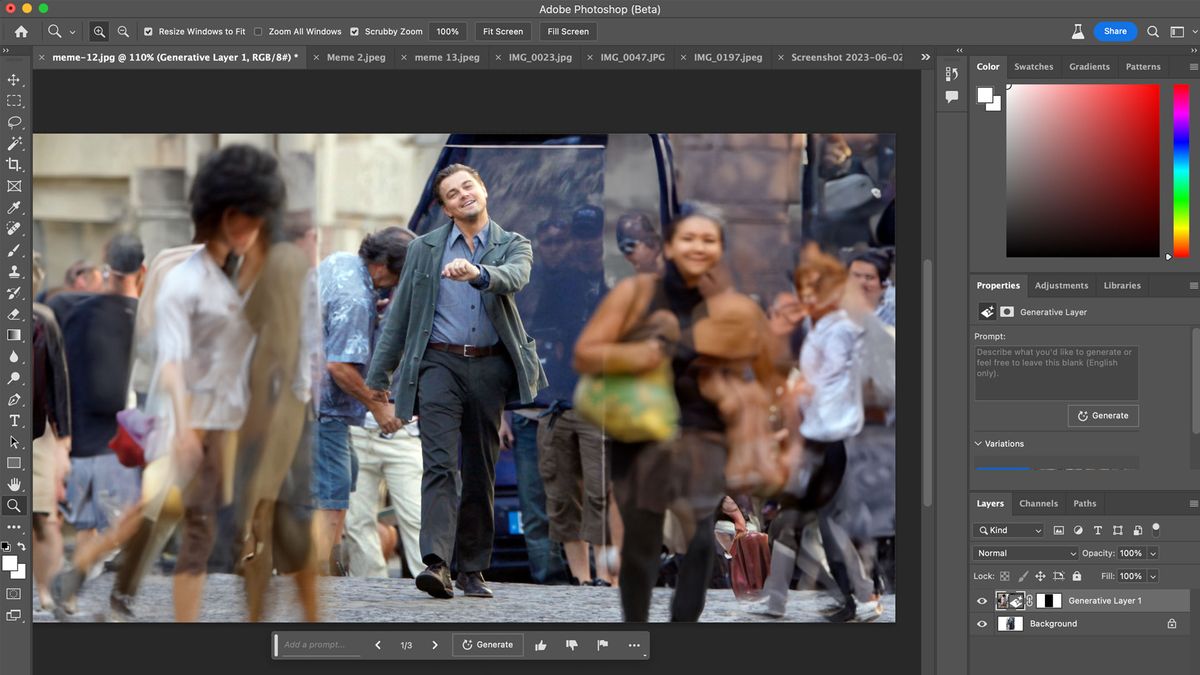
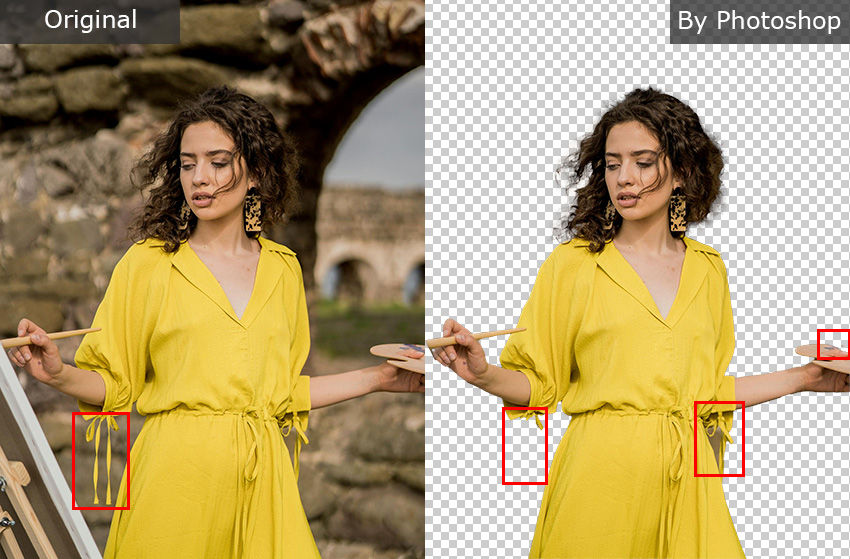

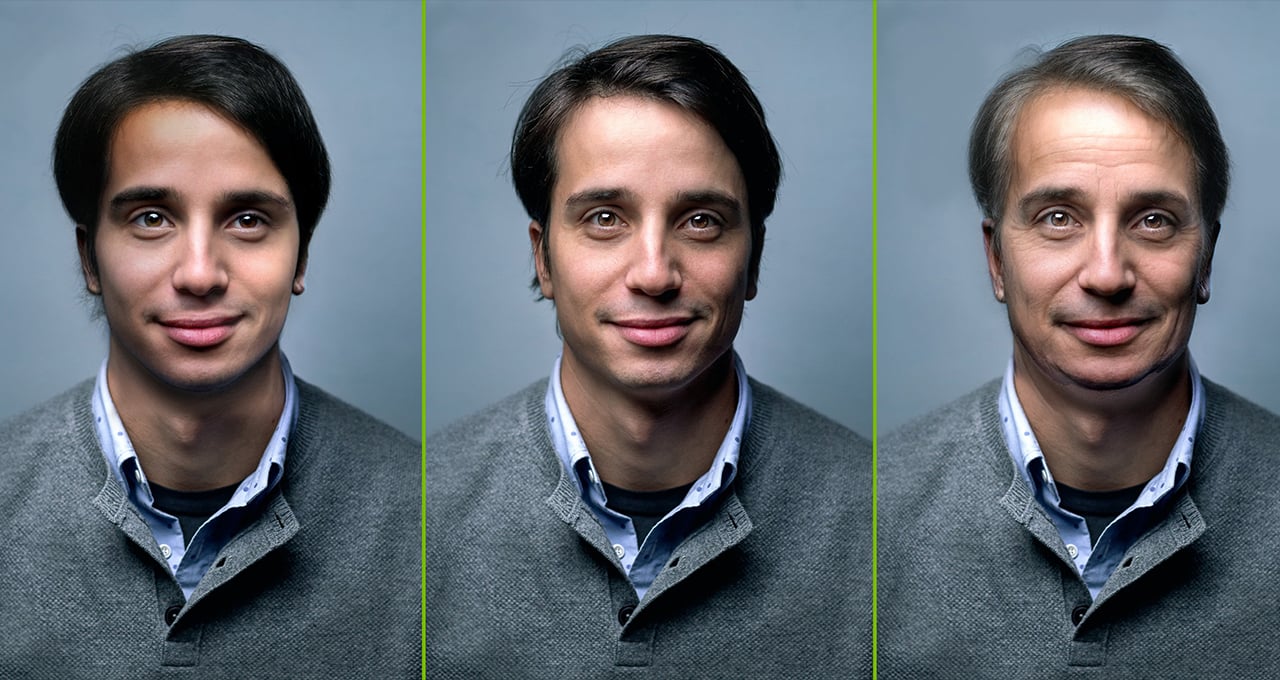
When it comes to precision and control, Adobe Photoshop continues to lead the space. Its AI features—like Generative Fill—allow you to edit images using simple text prompts, making complex edits surprisingly intuitive.
Instead of manually selecting and adjusting every element, you can now expand backgrounds, remove distractions, or add new elements in seconds.
What makes it powerful:
Text-based editing with Generative Fill
Accurate object and subject selection
Advanced retouching tools
Professional-grade output
Best suited for: Designers, photographers, and advanced users who want full creative control.
2. Canva – Effortless Editing for Everyday Use
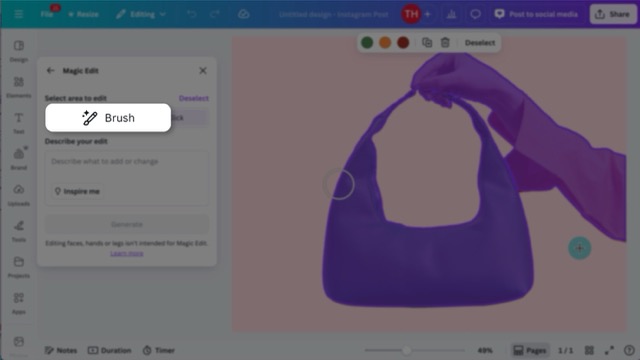
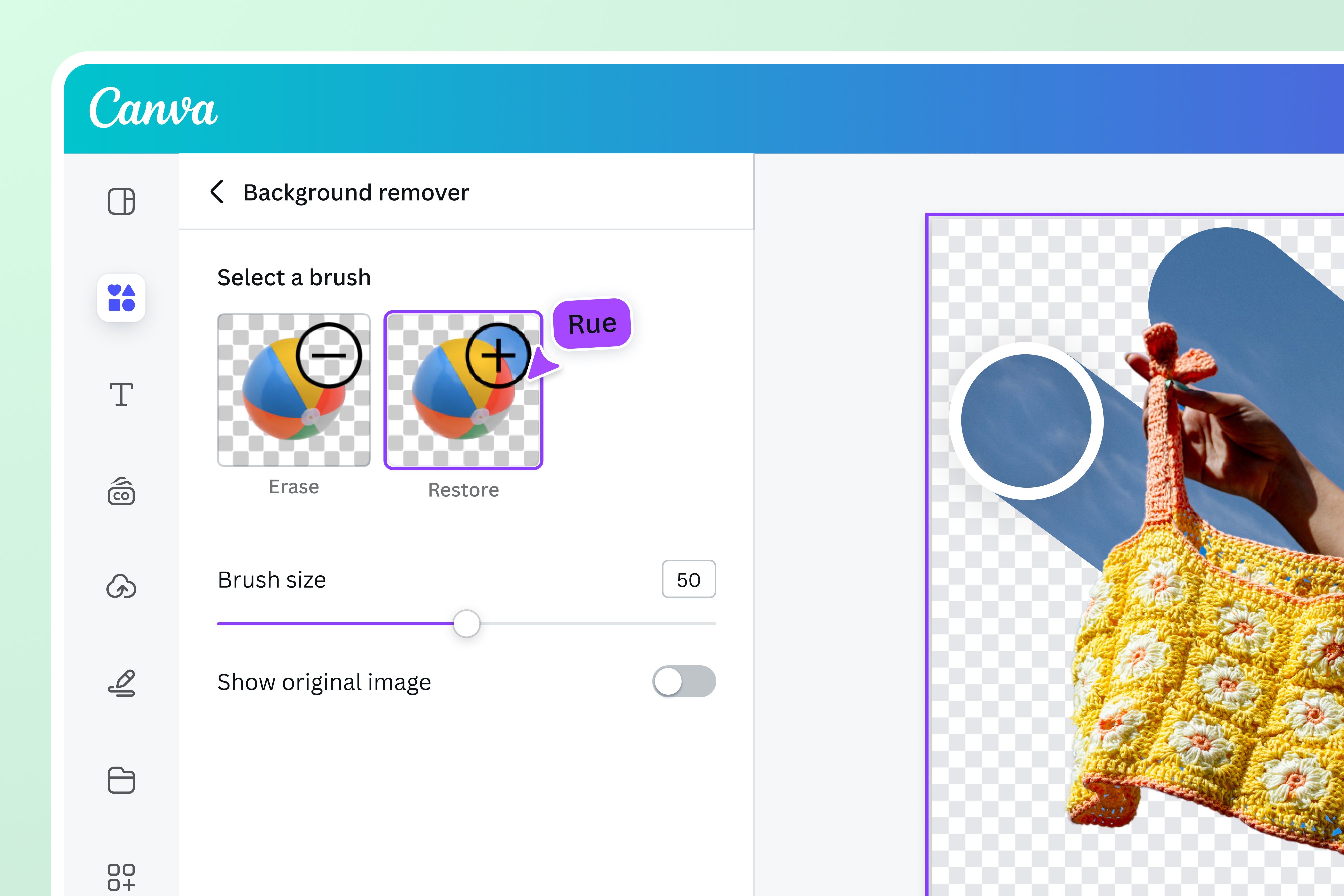
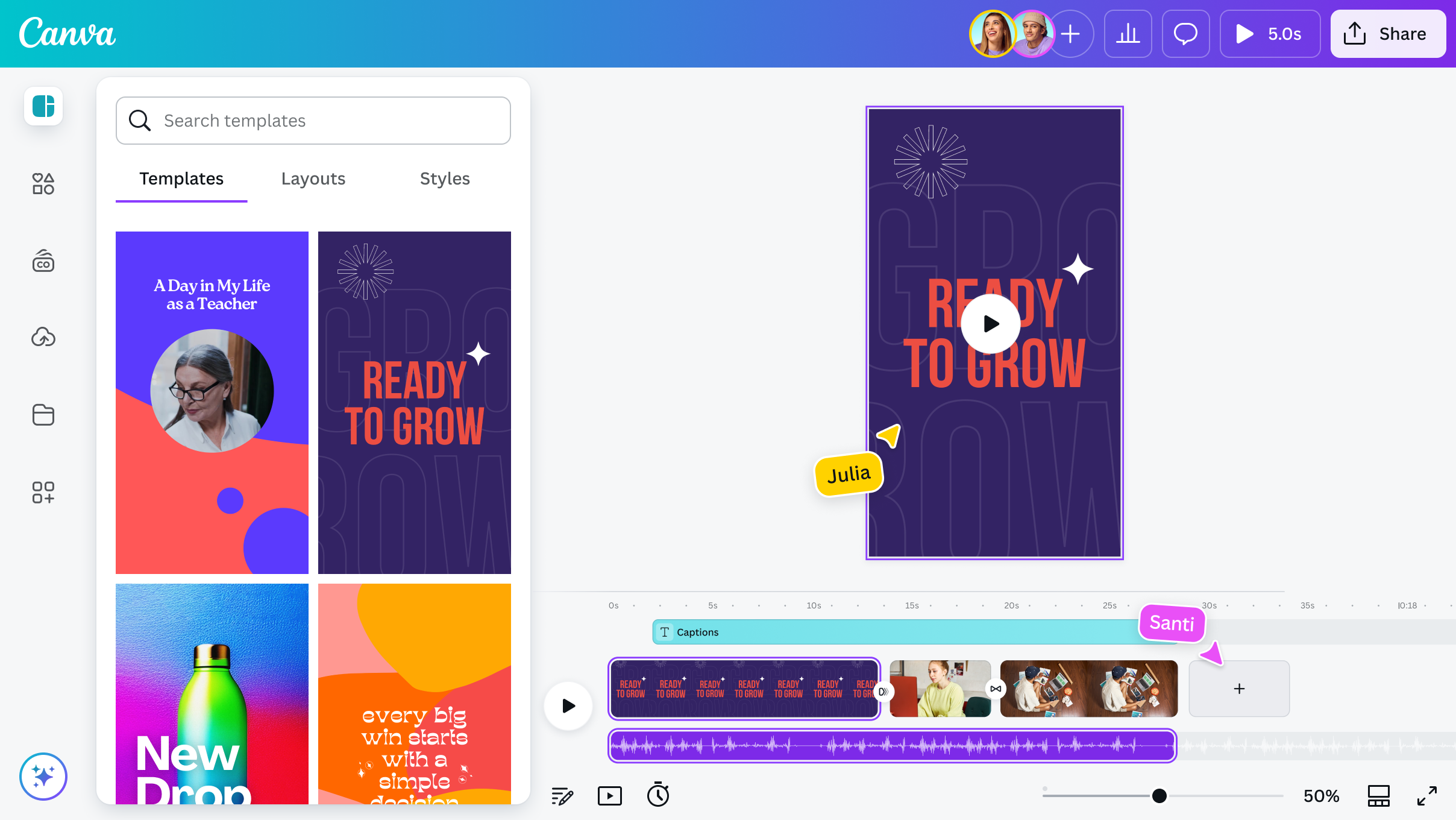
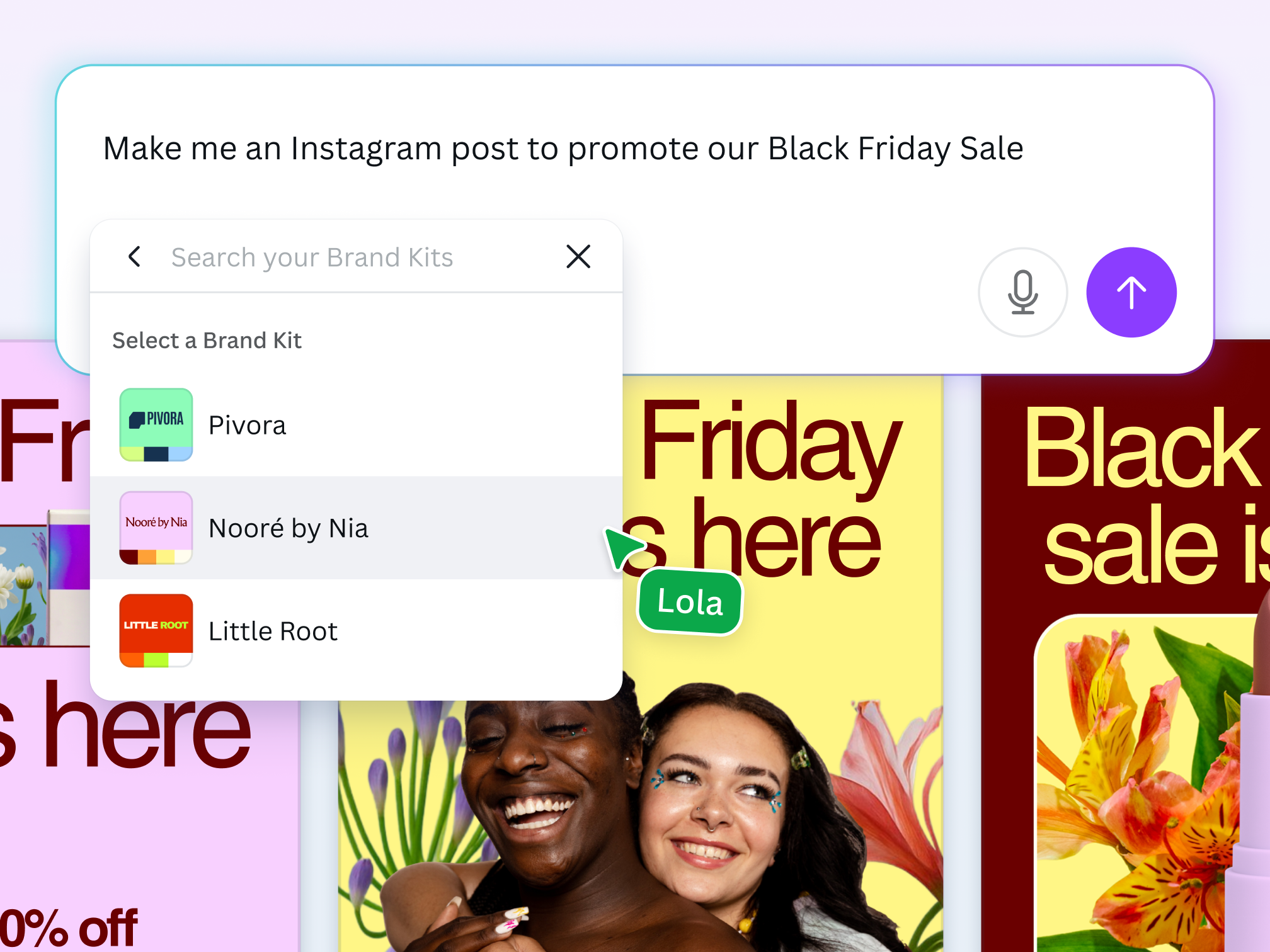
If speed and simplicity matter more than complexity, Canva is a go-to option. It’s especially popular among bloggers and small business owners who need quick, polished visuals without a steep learning curve.
Features like Magic Edit allow you to tweak parts of an image using plain language, while its template library makes design work incredibly fast.
What stands out:
Beginner-friendly interface
One-click background removal
AI-powered editing tools
Massive template collection
Best suited for: Bloggers, marketers, and anyone who values speed over technical depth.
3. Remini – Fix Blurry Images Instantly
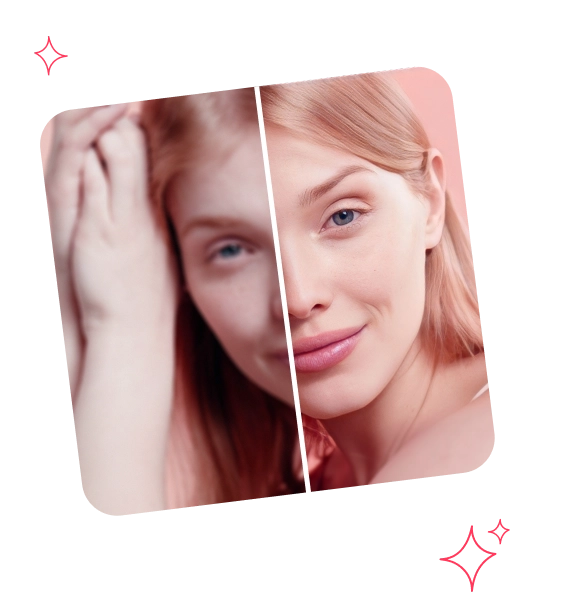
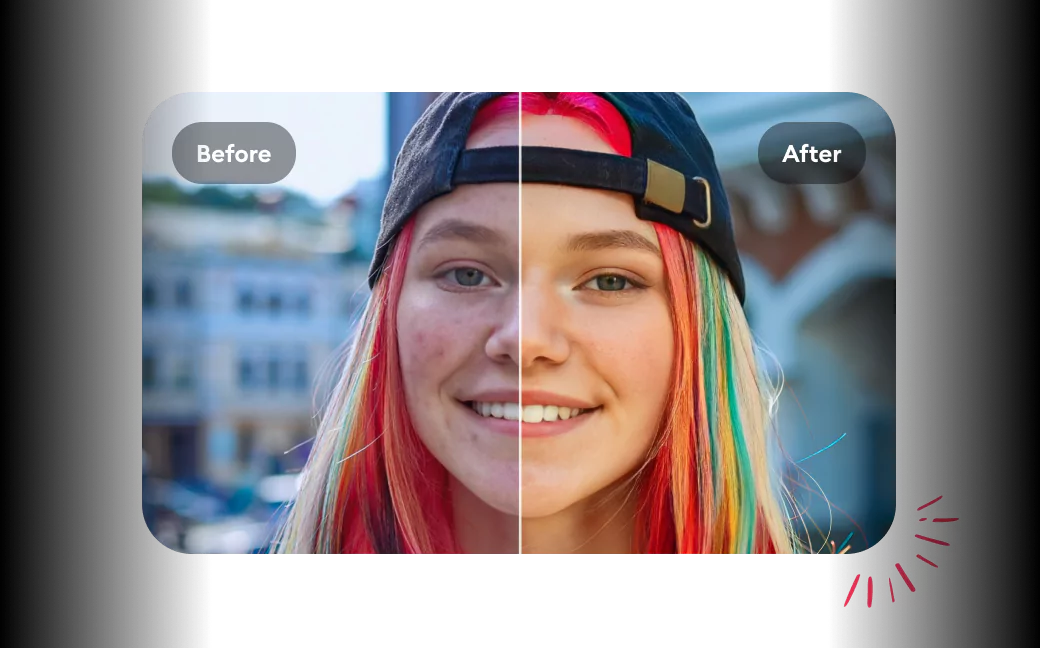
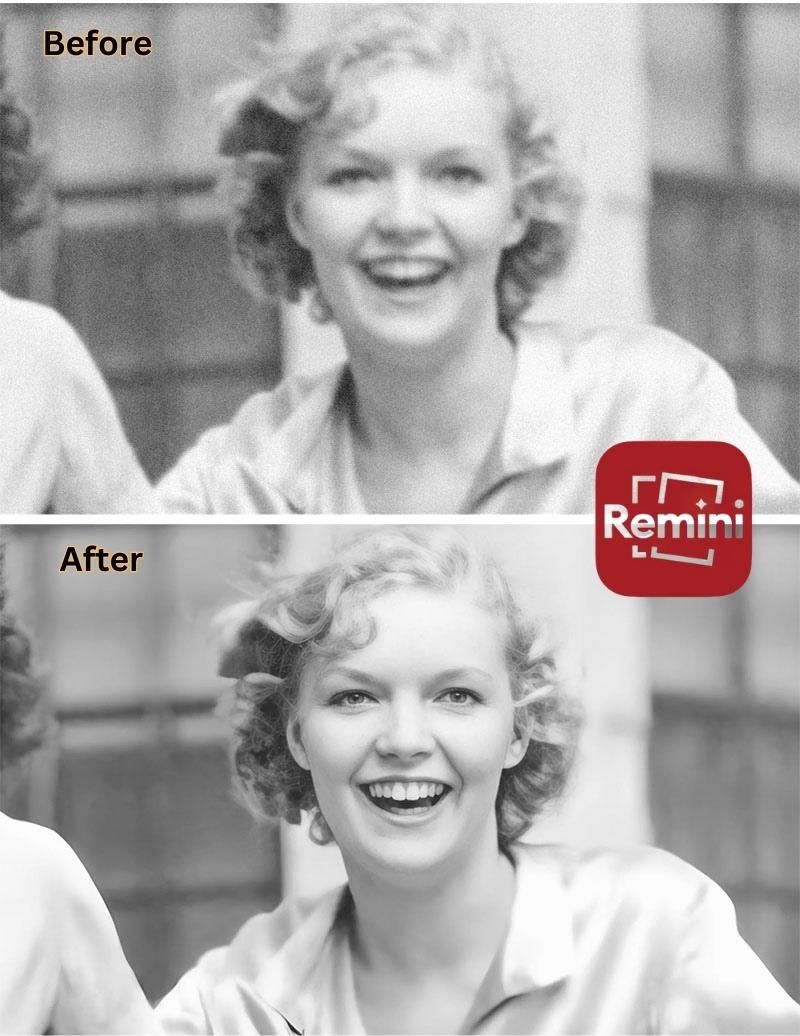
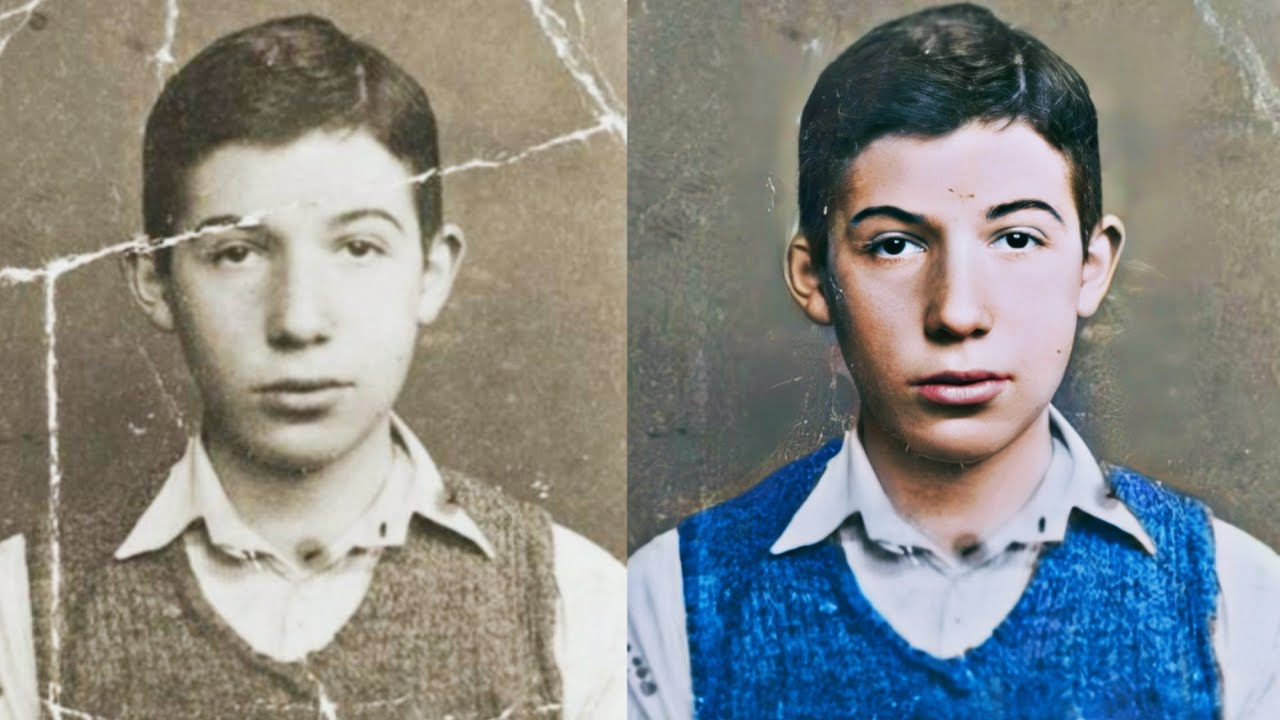
Not every photo is perfect when captured—but that’s where Remini shines. It focuses on enhancing image quality, especially for portraits.
It can turn pixelated or low-resolution photos into clear, high-definition visuals with impressive detail, making it a favorite for restoring old images.
Key advantages:
Strong facial detail enhancement
Restores old or damaged photos
Improves low-quality images
Quick, one-tap processing
Best suited for: Users who want sharper, clearer images without manual editing.
4. Fotor – Balanced and Versatile
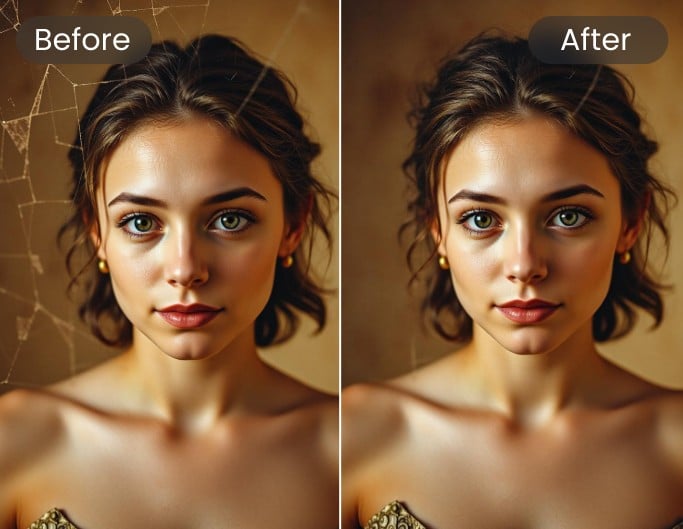
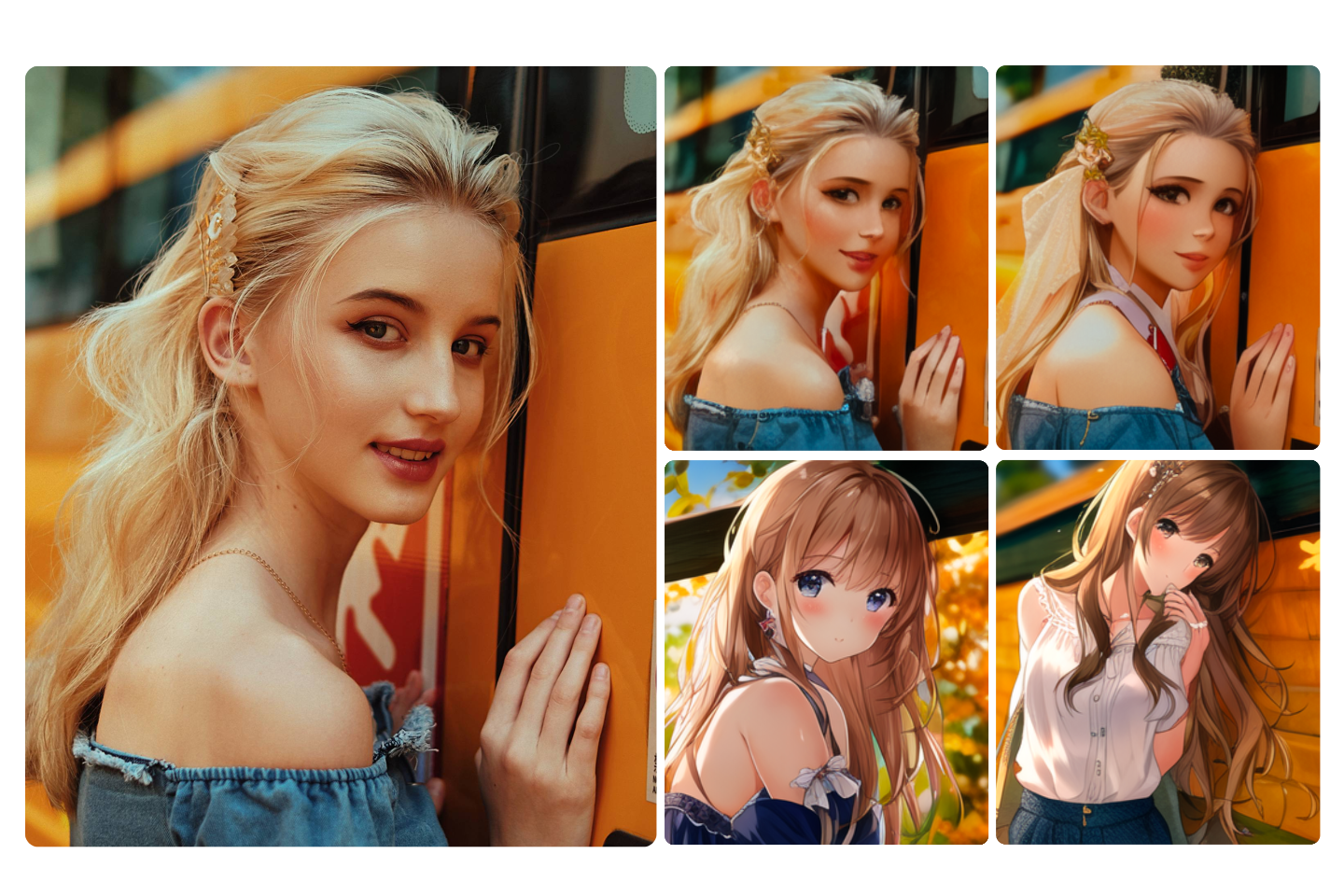

Fotor offers a mix of simplicity and functionality, making it a practical choice for everyday editing. It includes tools for retouching, background removal, and even AI-generated artwork.
One of its most useful features is batch editing—saving time when working with multiple images.
Why it works well:
All-in-one editing platform
Batch processing capabilities
AI art and enhancement tools
Clean, easy interface
Best suited for: Users who want multiple features in one place without complexity.
5. Luminar Neo – Creative Editing Made Simple

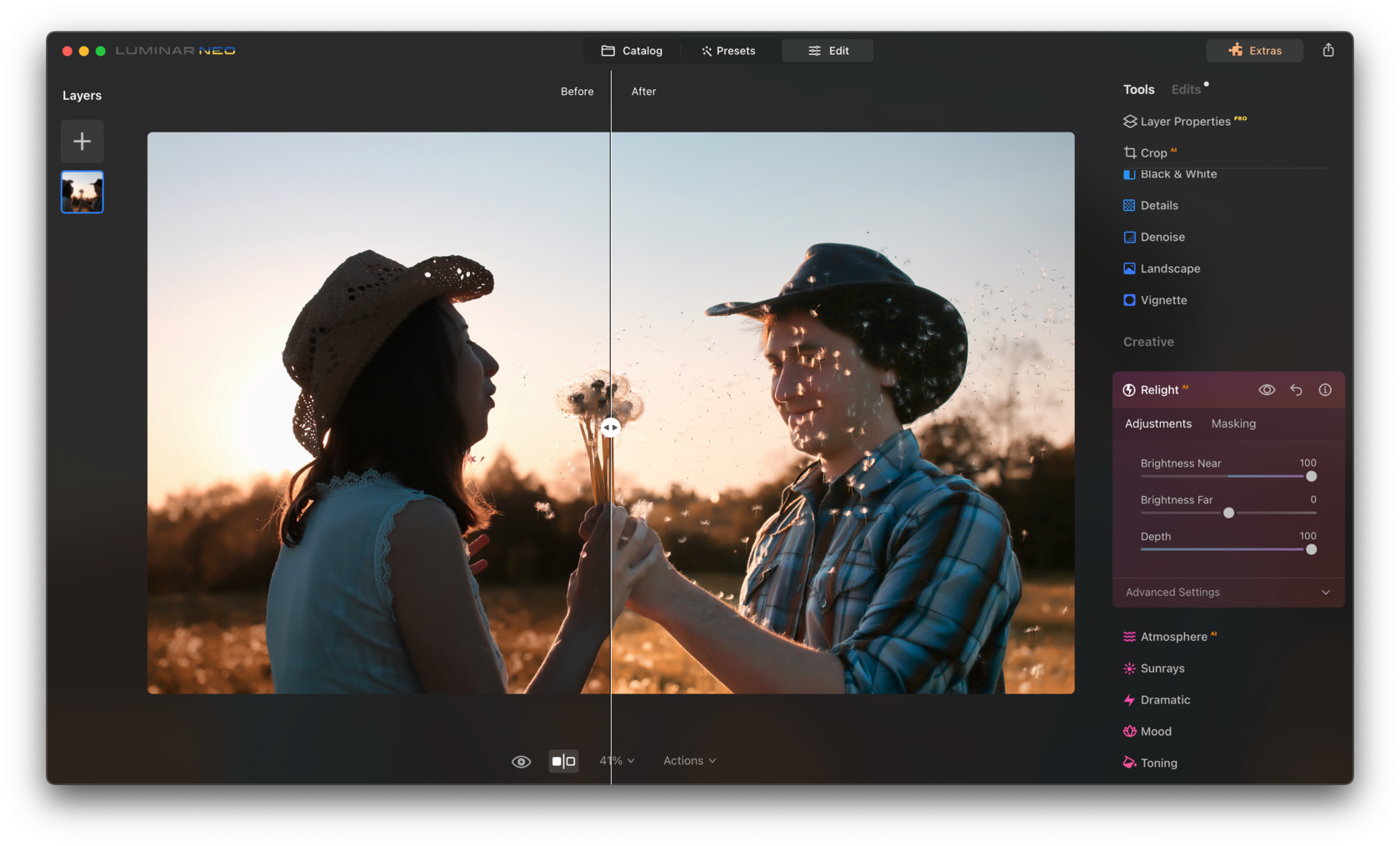

For those who want to push creative boundaries, Luminar Neo is a strong contender. Its AI tools focus on enhancing mood and atmosphere rather than just correcting images.
Features like sky replacement and relighting allow you to transform ordinary photos into visually striking compositions.
What makes it unique:
Advanced lighting adjustments
Realistic sky replacement
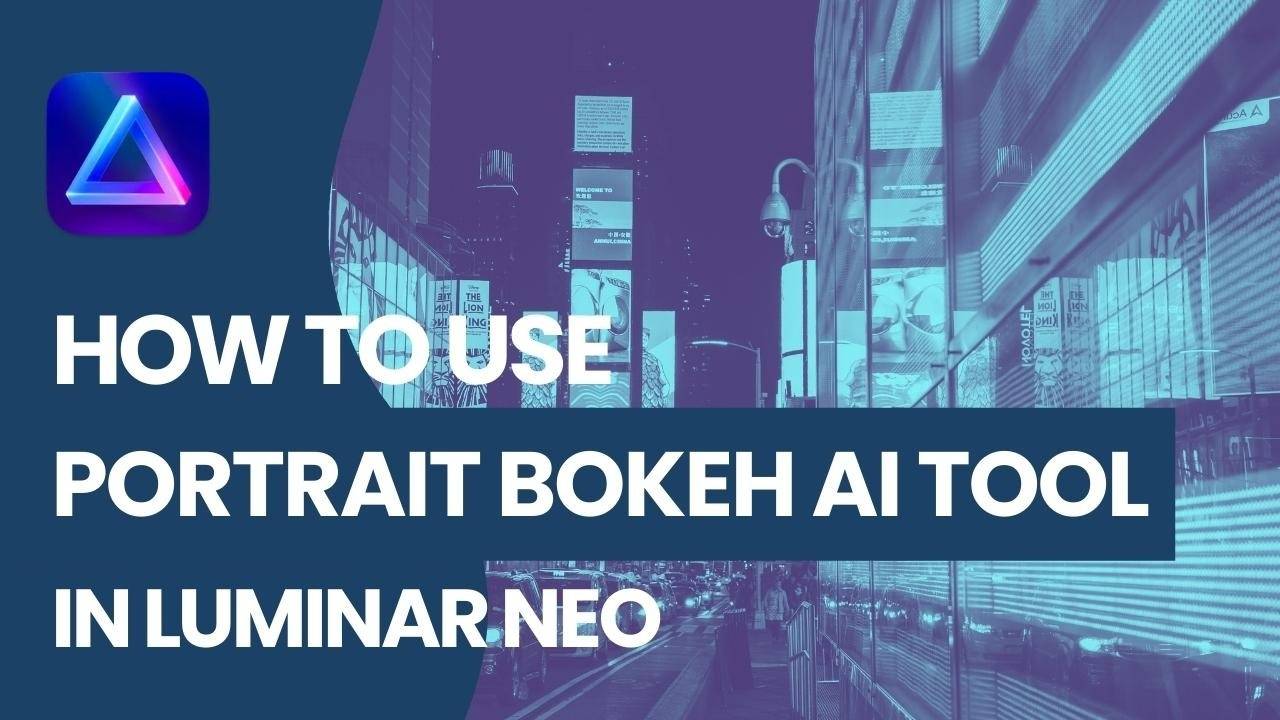
Portrait depth effects
Creative color grading
Best suited for: Creators and photographers who want artistic control without complex workflows.
How to Choose the Right AI Image Editing Tool
Choosing the right tool depends on your needs:
If you want full professional control, go with Photoshop
If you prefer quick and easy designs, Canva is ideal
For image enhancement, Remini does the job well
If you need an all-in-one solution, try Fotor
For creative edits, Luminar Neo stands out
AI has simplified image editing to the point where anyone can create high-quality visuals without years of experience. The key is not just choosing one tool—but knowing how to use the right tool for the right task.
Many creators today combine tools in their workflow—for example, enhancing an image in Remini and finalizing the design in Canva.
That approach often delivers the best results.
Comments
Post a Comment